Top AI Video Generator Tools for Developers and Content Creators in 2026
Most developers don't think of themselves as content creators — but in 2026, that line has blurred considerably. Whether you're building a SaaS product that needs demo videos, documenting an open-source library with tutorial walkthroughs, running a technical YouTube channel, or producing marketing assets for a side project, video has become an unavoidable part of how technical work gets communicated and distributed.
The traditional options for solving this haven't been great for people who'd rather spend time in a code editor than a video editor. Hiring a video production team is expensive and slow. Learning professional editing software has a learning curve that competes with every other skill on your development roadmap. And screen recording tools, while useful for certain formats, don't produce the kind of polished visual content that stands out in crowded feeds or convinces potential users during a product demo.
AI video generation changes this equation in a practical way. The gap between "I have an idea for a video" and "I have a finished video" has compressed from days to hours for most standard content types — and for developers who think about tools instrumentally, that's a meaningful efficiency gain worth understanding properly.
What the Best AI Video Generators Actually Offer
The quality bar for AI video generation has risen substantially over the past year. Early tools produced output that looked impressive in controlled demos but fell apart on real-world content requirements — inconsistent motion, limited resolution options, visible generation artifacts that marked output as AI-produced from a distance. The current generation of tools handles those problems well enough for professional use across most standard content formats.
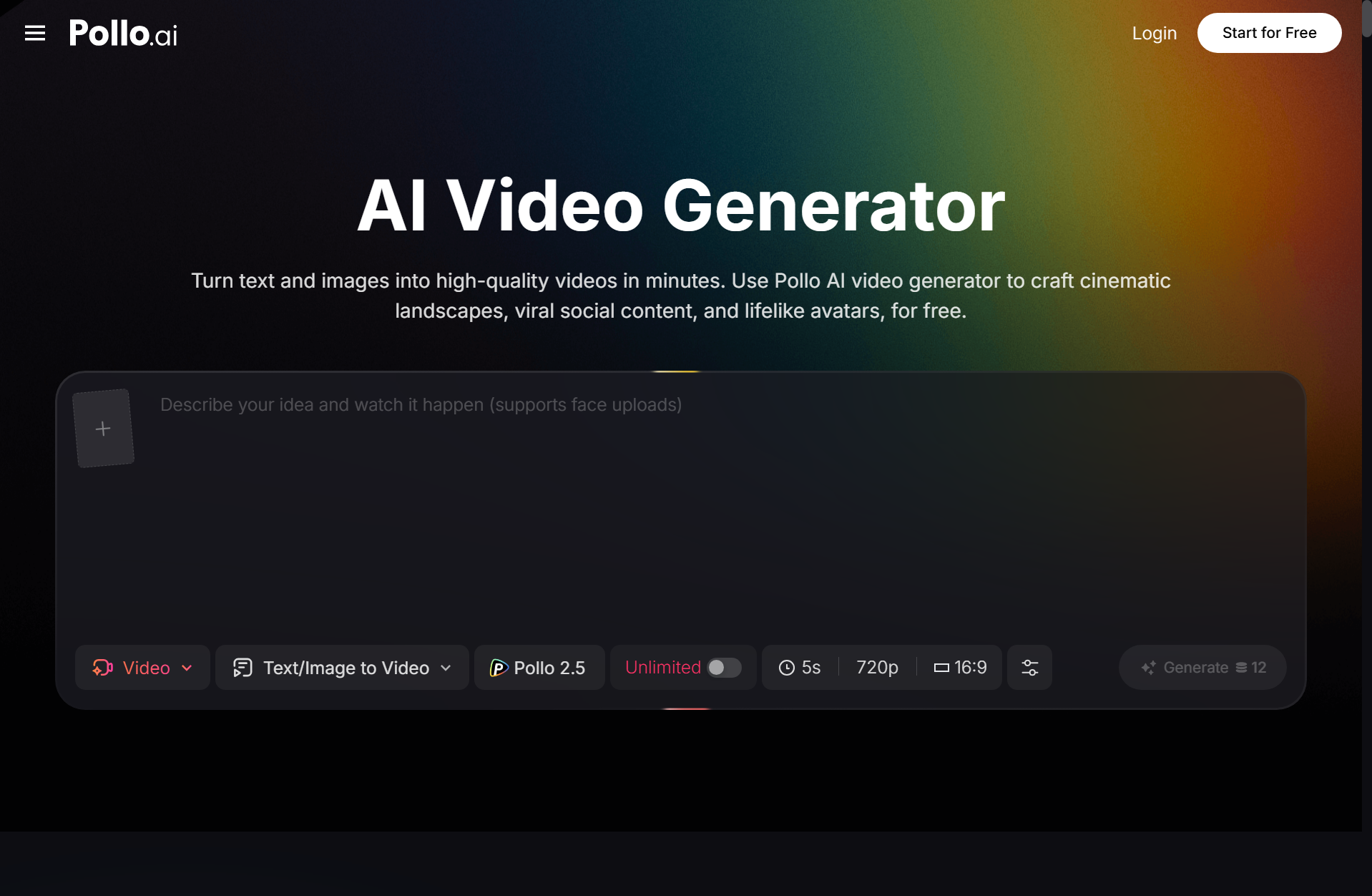
The Pollo AI video generator inside its Creative Studio takes a multi-model approach that's worth understanding for anyone evaluating platforms seriously. Rather than locking users into a single generation model, it aggregates access to multiple leading video generation models under one interface, with a shared credit system that lets you route different generation tasks to the model best suited for each output type. For developers who think about tool selection the way they think about choosing libraries — pick the right tool for the specific job rather than forcing one solution to handle everything — this architecture is a natural fit.
The practical benefit is that you're not capped by a single model's weaknesses. Some models handle motion consistency better across longer clips, others produce stronger stylistic transformations, others excel at specific visual styles or content categories. Being able to switch between them within the same platform without managing separate accounts or API integrations keeps the workflow clean.
Text to Video: The Fastest Path From Idea to Output
For developers producing content about technical topics — product demos, explainer videos, tutorial intros — text-to-video generation is the most immediately useful capability. You write a description of what you want to show, specify the visual style and any motion direction, and the model handles the production layer.
The prompt engineering side of this is worth treating with the same discipline you'd apply to any other system input. Vague prompts produce generic output; specific prompts that describe composition, motion behavior, and visual atmosphere produce usable output. "A developer working at a terminal, dark interface, green code scrolling, soft blue ambient lighting, slow camera pull back" gives a model significantly more to work with than "a developer coding." Specificity is the primary lever on output quality, and it costs nothing except a few extra seconds of thought before generating.
For content creators producing at volume — multiple videos per week across different platforms and formats — building a library of prompt templates for recurring content types pays dividends over time. The same way a developer builds reusable utilities for repeated operations, a library of well-tuned video prompt templates turns AI generation from a creative exercise into a production system.
Marketing Studio: When Video Needs to Work, Not Just Look Good
There's a distinction worth drawing between video that looks visually interesting and video that achieves a specific communication or conversion goal. For developers building products or running businesses, marketing video typically falls into the second category: it needs to communicate a value proposition clearly, hold attention in a crowded feed, fit platform format requirements, and motivate some kind of action.
Pollo AI's Marketing Studio is built specifically for this use case — advertising and promotional video content for marketers and SMBs that need to produce ad-ready output at volume without a full production pipeline. It sits within the same platform as the Creative Studio's multi-model generation environment, which means the workflow from concept to platform-ready video stays consolidated rather than requiring separate tools for creative generation and marketing format production.
For developers who also handle their own product marketing — a common reality for indie developers and small startup teams — having both creative generation and marketing-focused output available within one platform simplifies the tooling stack considerably.
Pictory AI and the Broader Tool Landscape
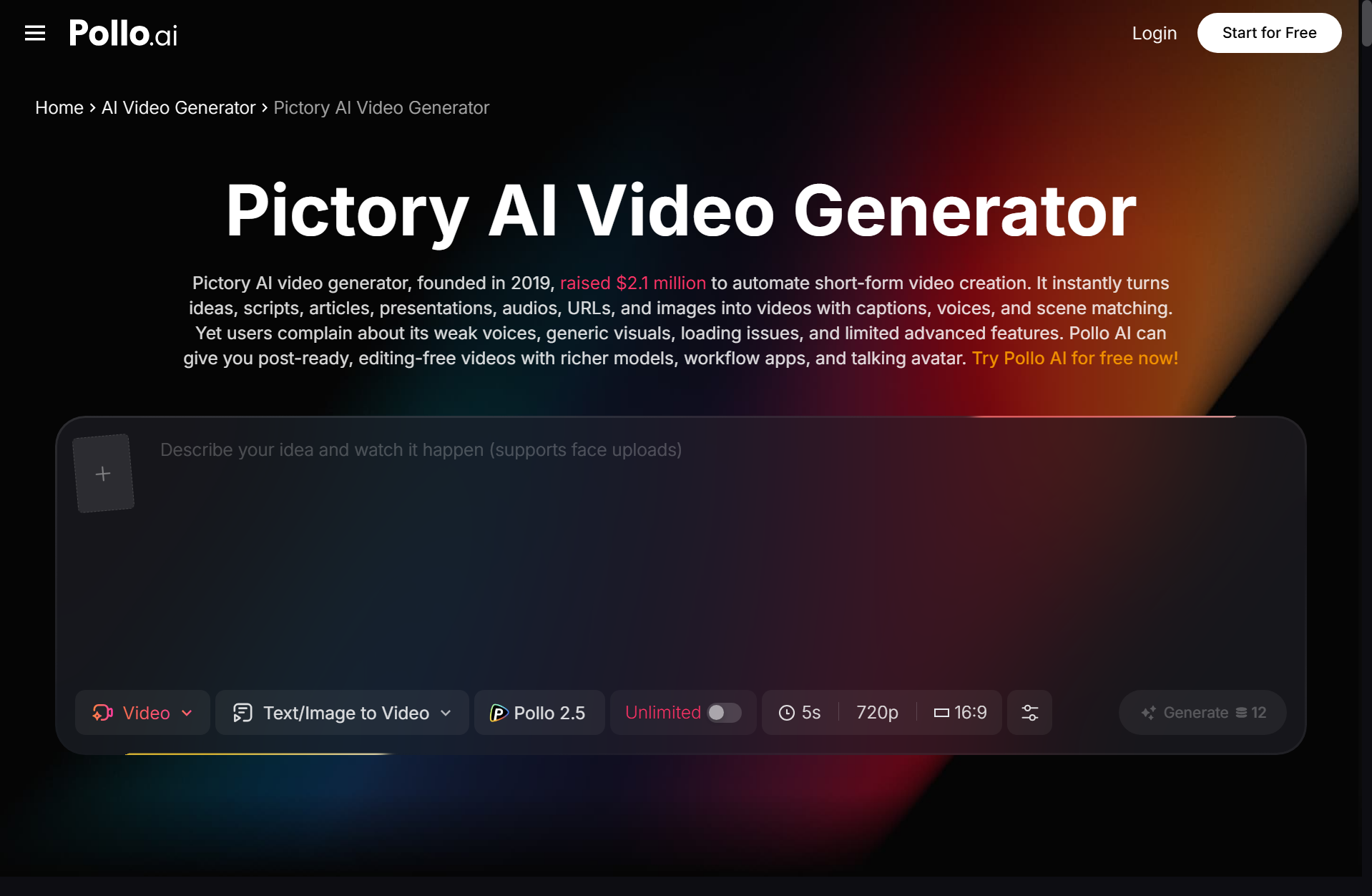
Understanding the full landscape helps you make more informed decisions about where different tools fit. Pictory AI has built a solid position in script-to-video and article-to-video workflows, which is particularly useful for converting existing written content — documentation, blog posts, technical articles — into video format automatically. For teams with large written content libraries looking to repurpose that material into video, it's a legitimate option worth evaluating on its own merits.
Where Pollo AI's approach differs is in the breadth of generation capabilities and the multi-studio architecture. The platform covers creative video, marketing video, product imagery via the Commerce Studio, and design tools — all under one account. For developers evaluating tooling with an eye toward consolidation, that scope is relevant: one platform relationship covering multiple content production needs is simpler to manage than several single-purpose subscriptions.
Commerce Studio: Product Visuals Without the Production Overhead
Developers building products that involve visual assets — e-commerce integrations, design tools, marketplaces, consumer apps — often need product photography and promotional imagery that meets professional standards without the overhead of a traditional photoshoot. Pollo AI's Commerce Studio addresses this with AI-generated product images, background generation, and e-commerce poster creation that's competitive with dedicated tools in the space.
For indie developers and small teams, the ability to generate professional product imagery within the same platform where you're producing video content — on shared credits — is a practical advantage. The alternative is maintaining separate subscriptions for image generation, video generation, and marketing content production, each with their own learning curve and billing relationship.
Building Video Into a Sustainable Content Workflow
The developers and technical creators who get the most consistent value from AI video tools have typically moved past treating generation as a creative exercise and started thinking about it as a production system. That means defining standard output formats for recurring content types, building prompt templates that produce consistent results for those formats, establishing a review and selection process for generated output, and integrating the workflow into whatever content calendar or publishing cadence they're maintaining.
None of this is technically complex — it's the same systems-thinking that developers apply to any repeatable process. The generation capabilities are the interesting new variable; the workflow design around them is familiar territory.
In 2026, producing video content at a pace that keeps up with distribution requirements isn't a resource question for most developers and small teams — it's a workflow question. The tools are capable. Building good habits around them is what separates teams that publish consistently from those that treat video as an occasional production effort rather than a regular part of how they communicate their work.